This page demistrates the rm Command and the most commonly used options.
| Explanation |
Command/Output |
|
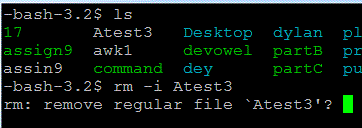
-i option
This option, known as the interactive command, displays a prompt before removal of a file. Then you enter "y" (for yes) or "n" (for no).
|
 |
|
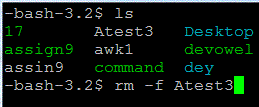
-f option
This option ignores nonexistent files and never prompts the user about a deletion.
|
 |
|
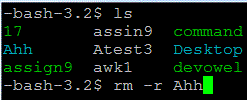
-r, -R option
This option recursively removes directories and the contents of those directories. In short this command will be used to remove directories.
|
 |
|
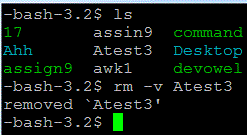
-v option
This is the verbose option, which basically means it tells you what is going on as it deletes files.
|

 |